
You have a great business and a website, but customers can’t find you on Google. You search for your own services and your site is nowhere to be seen. It is frustrating, and it is very common.
Here is why it matters: most people click only the first few results on Google. If you are buried further down, you are almost invisible. The good news is that learning how to get your website to the top of Google needs no technical skills. This guide gives you simple steps to follow one at a time.
The process is called SEO, short for Search Engine Optimization. In one line: helping Google understand your website so it shows it to the right people. You will also meet two newer terms, AEO (Answer Engine Optimization) and GEO (Generative Engine Optimization). They help you appear in AI-written answers, and we explain both in simple words below.
How Google Decides Who Ranks First
Google wants to show the most helpful and trustworthy result. If you want to know how to get your site to the top of Google, keep three simple ideas in mind:
- Relevance: Does your page match what the person searched for? A page about wedding cakes won’t win a search for birthday cakes.
- Quality: Is your content useful and easy to read?
- Trust: Do other websites and customers vouch for you?
AI summaries and chatbots lean on the same ideas, so the steps below help you there too. One more thing: SEO takes time. Most websites need around 3 to 6 months to see clear results. It is not an overnight trick, but the results last.
What the Research Says
A Sistrix study of over 80 million keywords found that the first Google result gets about 28.5% of clicks. The second gets around 15% and the third about 11%. By tenth place it drops to just 2.5%, and results on page two get less than 1% each. In plain words, moving up even a few places can bring a lot more visitors.
Step 1: Find Out What Your Customers Search For
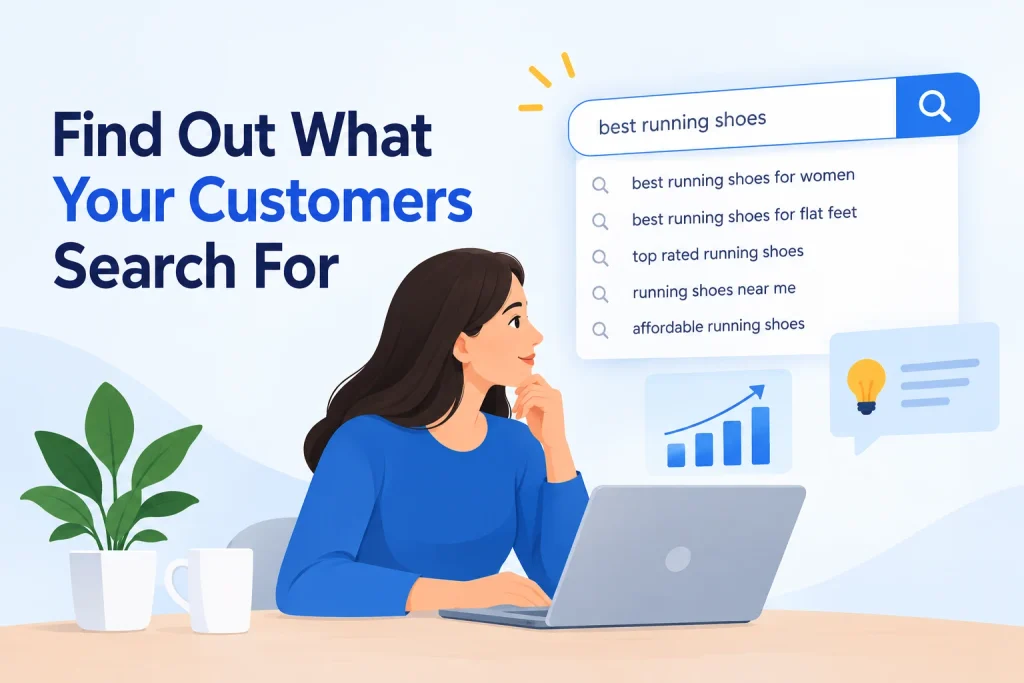
This is called keyword research. Keywords are the words people type into Google. Use your customer’s language, not industry terms. You may say “cosmetic dentistry,” but they type “teeth whitening near me.”
Three free ways to find keywords: Google autocomplete (start typing and see the suggestions), the “People also ask” box, and Google Keyword Planner.
Target specific phrases. “Wedding photographer in Pune” is easier to rank for than just “photographer,” and it brings people who are ready to book.
Step 2: Put Those Keywords in the Right Places
This is called on-page SEO. Pick one main keyword per page and use it in these places:
- Page title and headings: Put your main phrase near the start of the title.
- First paragraph: Mention it in the first few lines.
- Web address (URL): Keep it short and clear, like yoursite.com/wedding-photographer-pune.
- Meta description: The short text under your title on Google. A clear one makes people want to click.
- Image descriptions (alt text): Describe each picture in a few simple words.
A warning: don’t stuff keywords. Write naturally for people first. If a sentence sounds odd read aloud, fix it.
Step 3: Create Content That Helps People
Answer your customers’ common questions through blog posts or an FAQ page. Create a separate page for each service or product, so Google can understand each one. Keep content fresh by updating old pages when prices or details change. Never copy from other websites.
A simple formula for any page is Problem → Solution → Next step. Describe the problem, explain how you solve it, then tell visitors what to do next, like “Call us today.” This keeps people reading, which Google likes.
Step 4: Make Your Website Fast and Mobile-Friendly
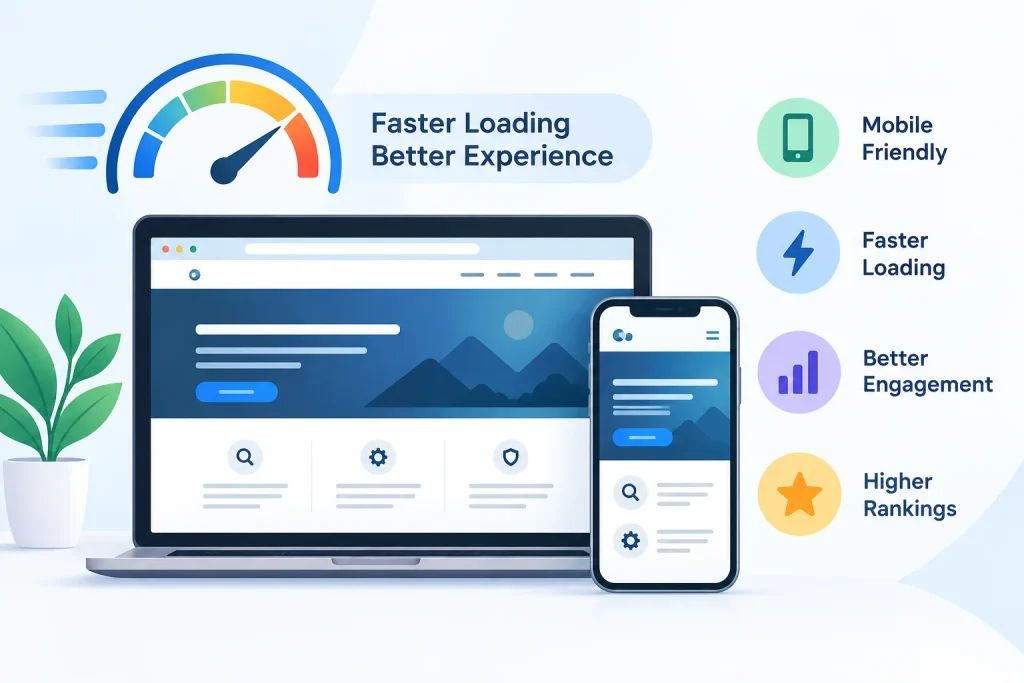
Most people search on their phones. Slow websites lose visitors and lose rank, because people simply tap back and try the next result. Quick fixes:
- Compress large images. They are the most common reason sites are slow.
- Choose good hosting. Very cheap hosting can slow you down.
- Use a clean mobile design with readable text and buttons big enough to tap.
For a free check, paste your address into Google PageSpeed Insights and fix the biggest items first.
Step 5: Set Up Your Google Business Profile
If you serve a local area, this is a must. Your Google Business Profile is how you appear in maps and “near me” searches. Make sure your name, address, phone number, hours, photos and category are all correct, and keep them the same everywhere online.
Ask happy customers for reviews, for example: “If you liked our service, a quick Google review would really help us.” Then reply to every review, good or bad, politely.
Step 6: Get Other Websites to Link to You
A backlink is a vote of trust from another website. Quality matters more than quantity. Easy ways to earn them:
- Local directories for your city or industry
- Partner businesses linking from their sites
- News or guest articles
- Supplier or association websites
Avoid buying cheap links. They usually come from low-quality sites and can get you penalized.
Step 7: Make Your Website Easy to Use
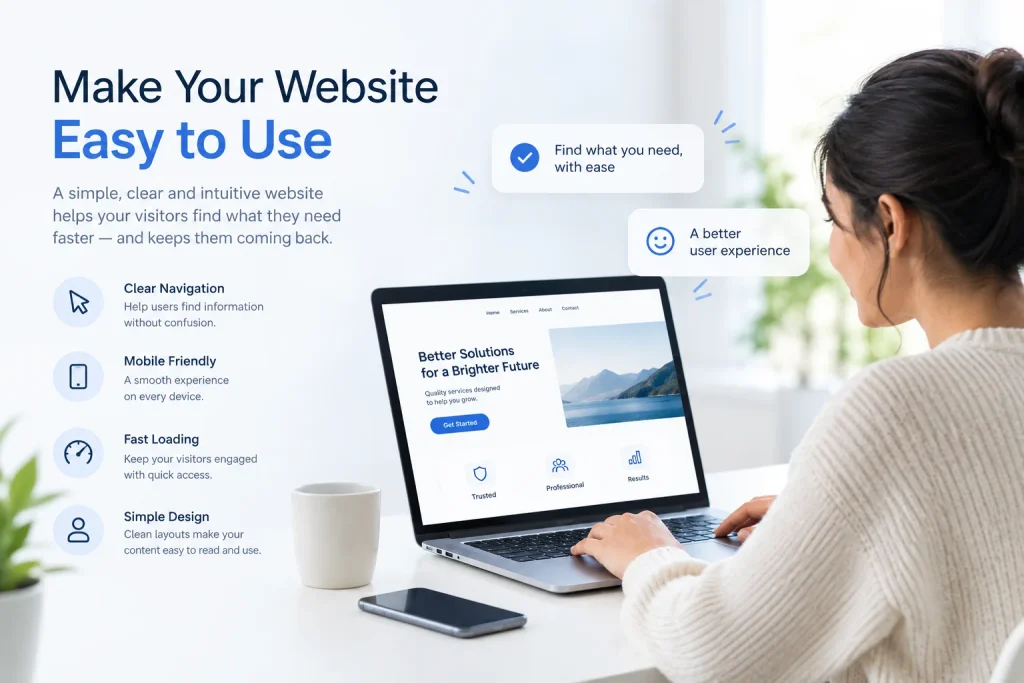
Use a clear menu, a simple layout and a visible call-to-action, like “Call Now” or “Get a Quote.” Make sure your site is secure: the address should start with HTTPS and show the padlock icon. When happy visitors stay longer, that sends good signals to Google.
Step 8: Track Your Progress
Use two free tools: Google Search Console and Google Analytics. Watch how many people visit, which keywords bring traffic, and which pages perform best. Review these once a month, then do more of what works and improve what doesn’t.
Get Found in AI Answers (AEO and GEO)
More people now read an AI answer instead of clicking through links. AEO and GEO help you show up there.
- AEO: Write so search tools and voice assistants can pull out a short, direct answer. Use the customer’s question as a heading and answer it in the first one or two sentences. Add an FAQ section to key pages.
- GEO: Make your content easy for AI tools like Google’s AI Overviews and ChatGPT to trust and mention. Share real facts, keep your business details the same everywhere, show who wrote the page, and earn mentions on trusted websites.
Common Mistakes to Avoid
- Expecting results in a week
- Copying content from other websites
- Stuffing too many keywords
- Ignoring mobile users
- Not updating your website for months
- Hiring anyone who “guarantees #1 rank”
Quick Checklist
Save or screenshot this list.
- ☐ Step 1: Research what your customers search for
- ☐ Step 2: Place keywords in titles, URLs, descriptions and image text
- ☐ Step 3: Create helpful content that answers real questions
- ☐ Step 4: Make your site fast and mobile-friendly
- ☐ Step 5: Complete your Google Business Profile
- ☐ Step 6: Earn links from trusted websites
- ☐ Step 7: Make your site easy and safe to use
- ☐ Step 8: Track your progress monthly
Frequently Asked Questions
Most websites start to see clear improvement in 3 to 6 months. If your competition is strong or your site is brand new, it can take longer. SEO is a steady process, not a quick fix.
Yes. SEO brings organic traffic. Ads give you quick visibility while you pay, but when you stop paying, the traffic stops. SEO takes longer but keeps working.
No. Most of the basics, like choosing keywords, writing helpful content and setting up your Google Business Profile, need only time and common sense. For things like site speed, you may need a little help from your web developer.
SEO helps you appear in the regular results without paying per click. Google Ads are paid results that show above or below those. Many businesses use both, but SEO tends to cost less over the long run.
AEO stands for Answer Engine Optimization. It means writing content so Google, voice assistants and AI tools can pick it as a short, direct answer. If you already answer customer questions clearly, you are halfway there. Use the question as a heading and give the answer in the first one or two sentences.
Yes. Links from trusted websites are still one of the strongest signs of trust. But quality matters far more than quantity, and buying low-quality links can get you penalized.
GEO stands for Generative Engine Optimization. SEO helps you rank in the list of links. GEO helps AI tools like ChatGPT, Gemini and Google’s AI Overviews understand your business and mention it in their answers. Both rely on helpful content, trust and clear information, so doing SEO well gives you a head start.
Start with keyword research and your Google Business Profile. Knowing what your customers search for and making sure your business details are correct will give you a strong base to build on.
Conclusion: Start Small, Stay Consistent
SEO may sound big, but at its heart it is simple. Google wants to show websites that are helpful, trusted and easy to find. AI answer tools want the same. If you build your site with that in mind, you are already on the right path.
You do not have to do everything at once. Pick one or two steps from this guide and start this week. Maybe you will fix your page titles, set up your Google Business Profile, or write one blog post that answers a common customer question. Small steps, done regularly, are the real answer to how to get your website to the top of Google.
Ready to Get Your Website Higher on Google?
Attract the right audience, increase your website visibility, and turn organic search traffic into meaningful business enquiries with expert SEO services.
Book a Free SEO Consultation